Bonus Lesson: Practical Use of Neural Networks
Artificial intelligence and neural networks are actively used today to solve a variety of tasks and simplify many processes. In this lesson, we will look at several practical examples of using neural networks in everyday life and business. We will use not only popular neural networks but also lesser-known services of vastly different orientations.
All of them have been personally tested by us, so we are confident they will be useful to you too. Let's go!
Writing Emails
Ghostwrite: ChatGPT Email Assistant
A handy tool for writing emails. The entire interface is in English, but it accepts prompts in Russian. It integrates as a plugin into your browser; then you open your email and find the plugin's window in the message composition screen:
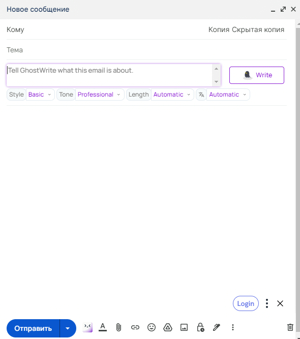
Inside, you write a prompt, select the necessary settings: tone, message length, language, and click "write".
As a result, you get a ready-made email that can be sent almost immediately:
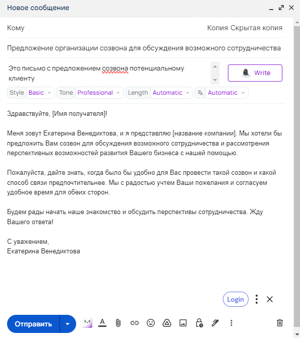
Let's look at another example.
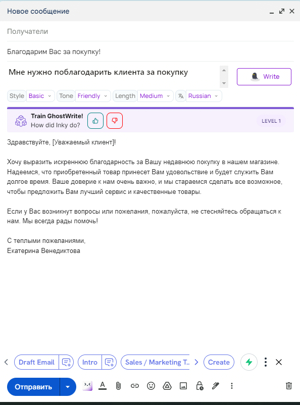
For example, you describe a situation: "I need to thank a customer for a purchase." We set the tone to friendly, the length to medium, and the language to Russian. Ghostwrite will generate a polite thank-you email ready to be sent:
Presentations
There are also convenient tools for creating presentations, such as Tome AI and SlidesAI. You simply enter the topic and key points, and in a matter of minutes, you get a detailed presentation with text, images, and charts. The neural network structures the information, builds the logic, and designs the slides itself.
Let's take a closer look at these tools.
Tome AI - is an AI focused on presentations but also has a number of other features. The entire interface is in English, but it accepts prompts in Russian.
It has a simple interface and ready-made presets.
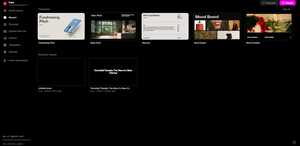
If you select the "Create" mode, it offers a set of features to choose from, the main one being presentation creation.

Everything is quite simple: we enter what the presentation is about (the amount of input data can be anything), select the number of pages, and run it.
After that, the AI will offer you a brief outline that can be edited or approved:

When you are satisfied with everything, click continue and you will get a simple presentation that can be improved in various ways right on the spot, including with the help of AI:

SlidesAI - is another AI for creating presentations. It works as a plugin for Google Sheets, built directly into the interface.

It allows you to create simple presentations based on the provided text. It supports the Russian language.
Let's look at how it works with a specific example:
Let's choose the presentation topic "Northern Chinese Cuisine" and take ready-made text from a relevant article. We will paste it into the AI:\
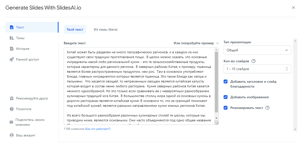
We will set the instructions in the "Presentation Type" and "Number of Slides" sections, select the necessary settings, and click "Create Slides".
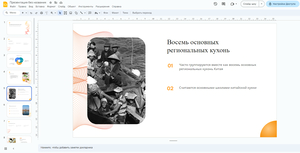
After a short wait, we get the following result:
Finance and Cryptocurrency
Neural networks are also actively used in the financial sector. Services like Coinfeeds help track news and trends in the cryptocurrency market. StockGPT analyzes company reports and helps make investment decisions. And Finchat provides personal consultations on any financial issues based on big data analysis.
A little more detail about these tools.
Coinfeeds.io - is a chatbot specializing in cryptocurrencies. With the right prompts, it can provide valuable data and metrics. Its main function is to provide information on various aspects of cryptocurrencies, including how they work, wallet usage, the benefits and opportunities of DeFi, as well as other crypto-related topics.
The entire interface is in English, but it accepts prompts in Russian.
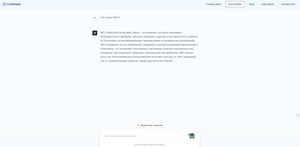
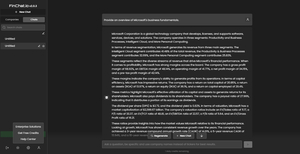
StockGPT - is an AI-powered search tool containing information on all earnings call transcripts for all S&P 500 companies for every quarter. The entire interface is in English, but it accepts prompts in Russian.
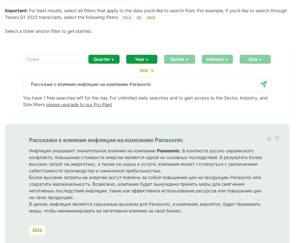
Finchat.io - is an AI specializing in finance and investments. Its main goal is to provide users with professional and in-depth answers to questions related to finance and investments. FinanceGuru AI has the ability to analyze complex financial data and transform it into simple and understandable explanations. It is an expert in financial markets, investment strategies, and risk management.
The output is mostly in English, although it can also speak Russian.
PDF Files
There are many services with simple functionality for working with PDF documents. You upload a PDF, ask a question, and the neural network instantly finds the right excerpt and answers. This significantly saves time when working with large documents.
Let's look at this functionality using the tools ChatPDF and Ask your PDF as examples.
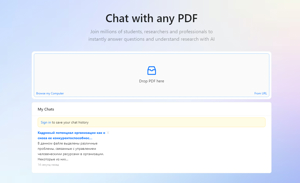
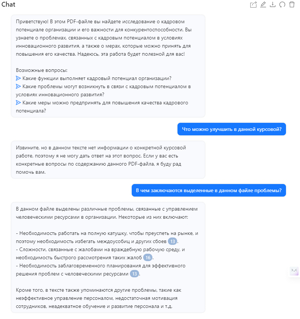
ChatPDF - is an AI for analyzing PDF files. After uploading a file, it can answer any questions about the content.
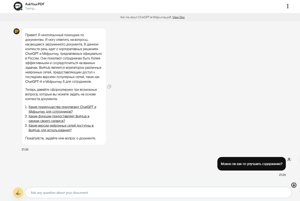
Ask your PDF - is another AI for working with PDFs; it can not only answer questions about the document but also provide analytical advice.
Creating Anything with AI
For web developers, designers, and writers, there are tools that allow automating content creation—images, 3D models, texts. You just need to enter a description of the desired result, and the tool will generate the finished material.
Literally Anything - is an unusual tool that can generate practically anything for you based on your description. You simply enter a text prompt, and the AI generates the result in the form of an image, a 3D model, a website, code in various programming languages, and so on. This is a great assistant for web developers, designers, writers, and other creative people.

Solving Math Problems
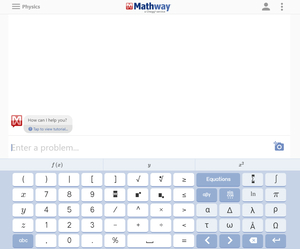
There are services that can instantly solve complex mathematical equations and problems. They not only give the answer but also show the entire solution process in detail. This significantly saves time for students and engineers. One such service is Mathway.
Mathway - is an AI-based tool that allows you to instantly solve complex mathematical equations and problems. You simply enter the equation, and the neural network not only provides the answer but also shows the solution process in detail. Mathway can work with algebra, geometry, trigonometry, differential and integral calculus, as well as solve physics and chemistry problems.
Spreadsheets
To work with large volumes of data, you can use tools that automatically visualize numbers in the form of charts and graphs. This allows you to quickly draw valuable insights from the data.
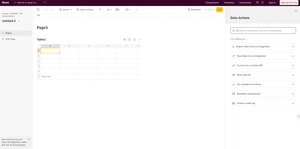
Rows - is a tool for quick data analysis and visualization based on spreadsheets. You can easily import tables from Excel and other sources. Then, the AI will automatically suggest the most suitable visualization methods in the form of charts and graphs. Rows significantly simplifies working with large volumes of data and allows you to quickly gain valuable insights.
There are also a number of services that handle more everyday tasks. We suggest you familiarize yourself with them as well.
Trip Planning
Planning a vacation or a business trip can take a lot of time. But there are tools that can fully automate this process.
For example, Trips by TripAdvisor is an AI for planning the perfect journey.
This AI-based tool can completely plan your trip. Just specify the desired time, location, and interests, and Trips will create the optimal itinerary taking into account your budget and preferences.

Finding Your Photos on the Internet
With the advent of social networks and cloud storage, our data often ends up in the public domain without our knowledge. There are services that allow you to track this in just a few seconds.
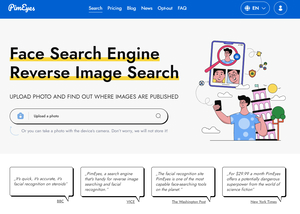
For example, PimEyes - is a neural network that finds your photos in open sources on the Internet in a matter of seconds. Just upload your photo or provide a link to it, and the artificial intelligence will scan billions of images on the Web and display all matches. This is a great way to check where your photos might have ended up without your knowledge.
Practical Assignment
Task: Prepare a 10-minute presentation for investors of a fintech startup.
Instructions:
- Use Tome AI to create slides based on a brief description of the startup and its product.
- Ask questions to the Coinfeeds chatbot to get up-to-date data on the cryptocurrency market.
- Use Mathway to calculate and visualize the company's projected growth.
- Generate icons and images to design the slides in the Literally Anything service.
- Ask clarifying questions to the Finchat chatbot to check the realism of the forecasts.
Example:
- Prompt in Tome AI: Fintech startup RazorPay is developing a platform for accepting cryptocurrency in online stores.
- Question in Coinfeeds: What is the trading volume of the Ethereum cryptocurrency in the last quarter?
- Formula in Mathway: y = 1.5x (where x is the revenue this year, y is the forecast for next year)
- Prompt in Literally Anything: Create a logo with image of bitcoin and text RazorPay
- Question in Finchat: How realistic is a 50% increase in revenue within one year for a fintech startup?