Lesson 3: Illustrating a Book with Midjourney
Digital art is a great way to bring the imagery described in a book to life, and modern tools like Midjourney or Flux make this process much easier and more engaging.
Using Midjourney to Visualize Book Text
One of the main approaches to visualizing text with Midjourney is creating character concepts. Imagine you've just written a thrilling story using ChatGPT about Richard the Knight, who is trekking through snow-capped mountains in search of the lost city of El Dorado. Now you want to turn Richard's text description into a visual image.
You can write a prompt: "The image of Richard the Knight, described as tall, dark-skinned, with long black hair and sea-colored eyes":
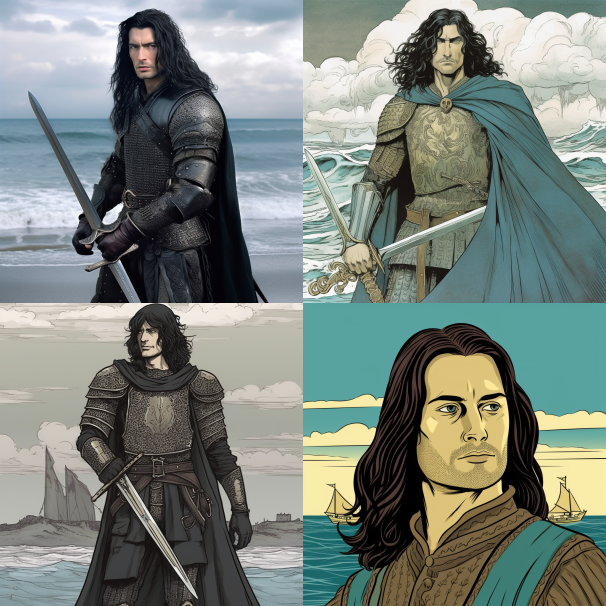
Pro tip: Don't forget to experiment with different styles in Midjourney. You might like a realistic style for your knight story, or conversely, you might prefer something more abstract or cartoonish for your fantasy novel. As we learned earlier, Midjourney has plenty of settings—use them to the fullest to create that perfect image.
Once we've visualized the book's characters and creatures, let's move on to its cover. For example, you've decided that a realistic illustration style best suits your plot, and the cover will feature a scene where the knight is riding a horse through a gloomy forest. The more details you provide, the closer the final illustration will match your expectations:
"Create a book cover for 'Richard the Knight' in a realistic style and dark tones, where the knight is tall, dark-skinned, with long black hair and sea-colored eyes, riding a white horse in the middle of a gloomy forest"
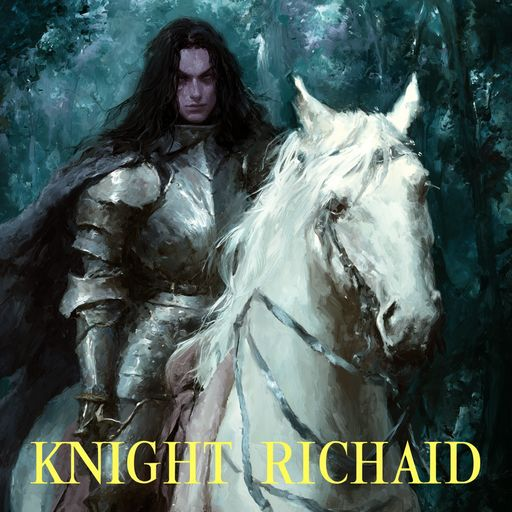
This is a great way to see how your text can be transformed into visual art and how Midjourney can become a powerful tool in your creative process.
Combining Text and Visualization
Having gathered the text and visual elements, it's time to combine them into a single creative piece. This is an important step in the digital art creation process that helps fully bring your story to life and turn it into a multimedia experience.
There are many ways to do this. Perhaps you want to create a webpage for your story or song, accompanying it with illustrations generated in Midjourney. Or you might present your work as an interactive presentation where each slide is paired with a visual image that matches the text.
When combining text and visualization, it's important to consider cohesion and stylistic harmony. Pay attention to how your visual elements blend with the text, and try to make them complement each other rather than compete for the reader's attention. Use colors and fonts that fit the mood and theme of your text to create a unified visual space.
Platforms for Work
There are several popular platforms you can use to combine text and visualization into a single, cohesive digital artwork:
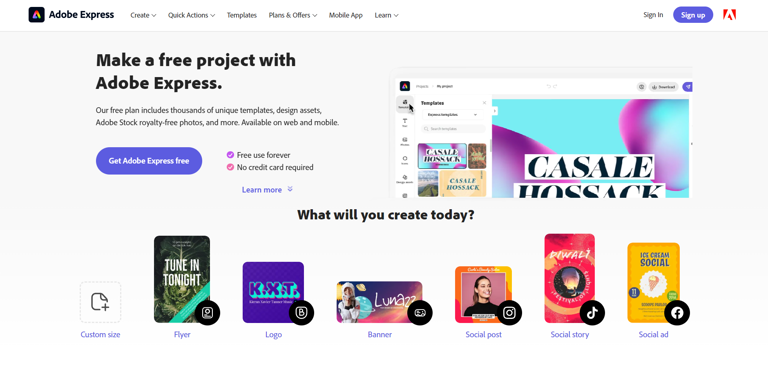
- Adobe Spark: This is a visual content creation tool that includes features for building webpages, short videos, and graphic designs. Adobe Spark supports adding your own images, videos, and audio, and also has a built-in library of templates and styles.
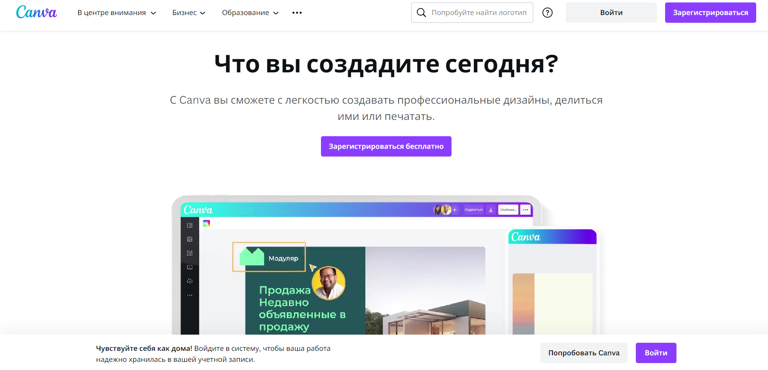
- Canva: It offers a wide range of design tools and an easy-to-use platform for creating various types of visual content, including presentations, posters, book covers, and much more. Additionally, Canva allows you to import and integrate your own images and text.
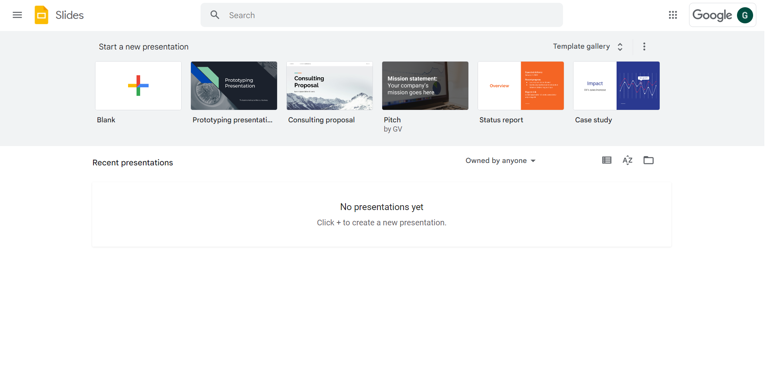
- Google Slides: If you need to create an interactive presentation, Google Slides can be a great choice. It's easy to use and offers plenty of options for customizing the look and layout of your presentation.
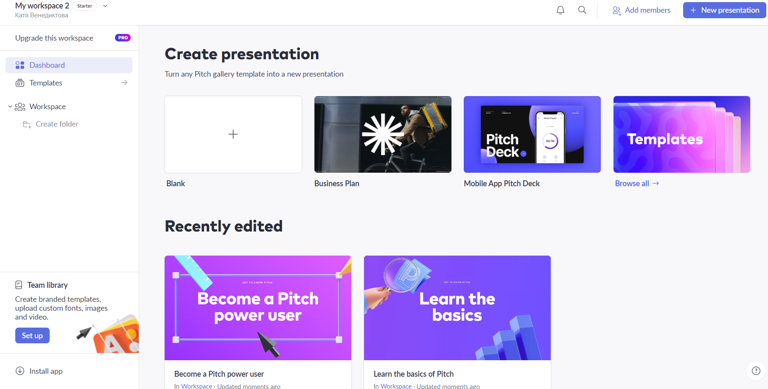
- Pitch: Pitch is an innovative presentation tool that allows teams to collaborate effectively and create beautiful presentations. It offers various design templates and integrates with other popular services and tools, streamlining the presentation creation process.
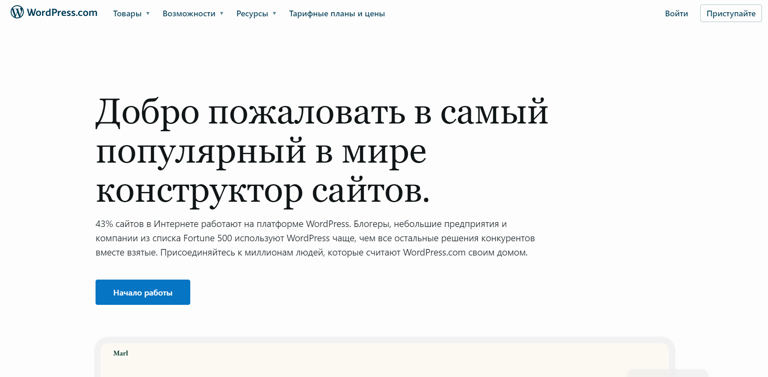
- WordPress: If you want to create a website or blog for your digital art, WordPress can be an excellent solution. It offers numerous templates and tools for customizing the appearance and functionality of your site.
Of course, these aren't all the available platforms, just some of the most popular ones. Remember that your choice of platform should depend on your individual needs and what kind of presentation best suits your digital art.
Combining text and visualization isn't just about placing an image next to text. It's an opportunity to use every visual element to enhance your words, adding depth and details that might not be fully conveyed by text alone.
And now, try it out for yourself!
Let's Look at a Real Case Study
Task: Your client has written a story about the adventures of a man who accidentally discovers a portal to a parallel world where magic is part of everyday life. You need to create a series of illustrations for the book—from the cover to scene sketches.
- Let's create a cover for our story using Midjourney with the following prompt: "Book cover featuring the main character James standing in front of a glowing portal, his eyes full of wonder and amazement"
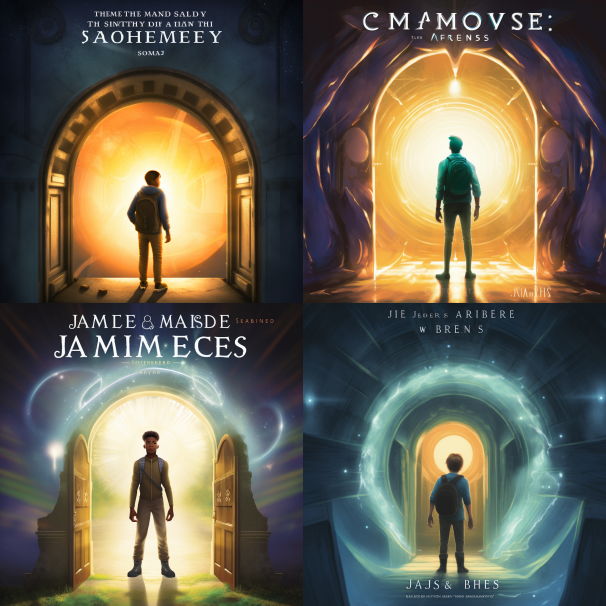
- Choose the option you like, or add details and try to tweak the image a bit:
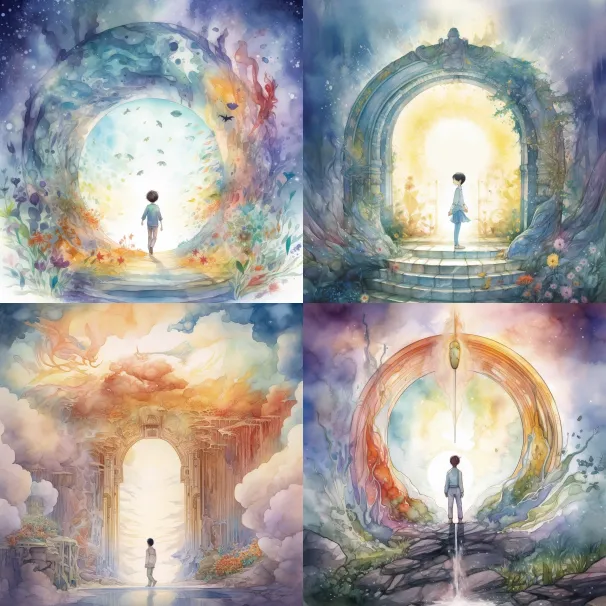
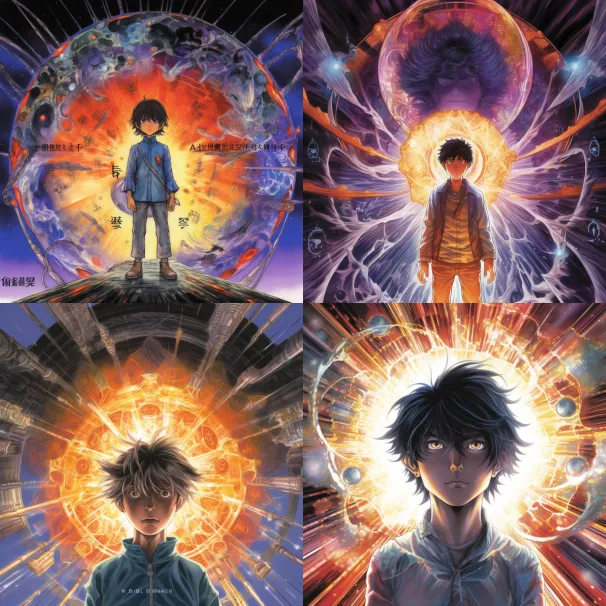
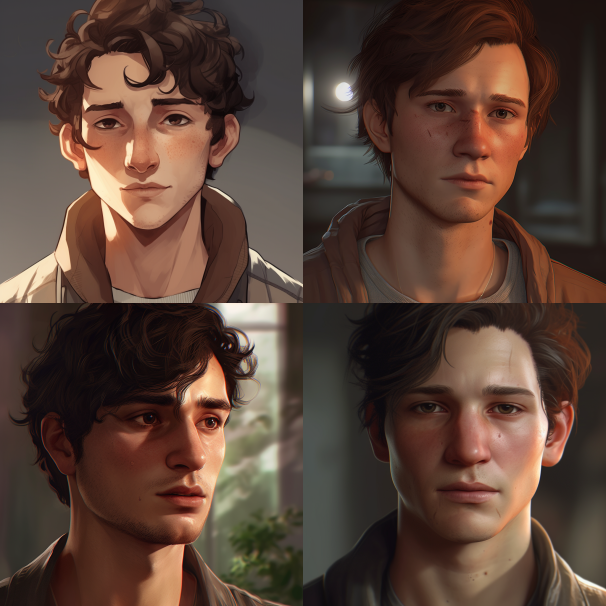
- Next, we create portraits of the main characters, the world, and its creatures. The prompts could be as follows: "Detailed close-up portrait of the book's main character James":
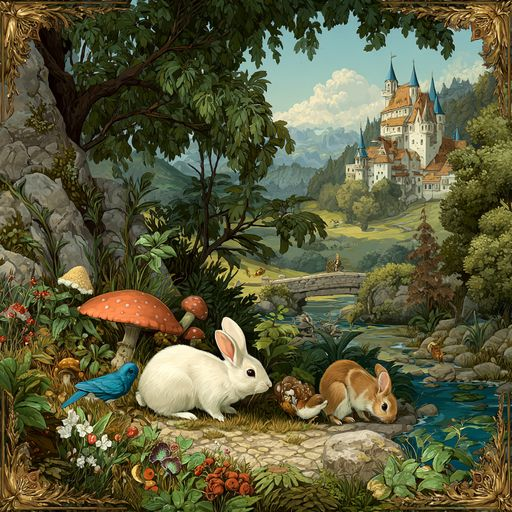
or "Creatures living in a parallel fairy-tale world where magic is part of everyday life":
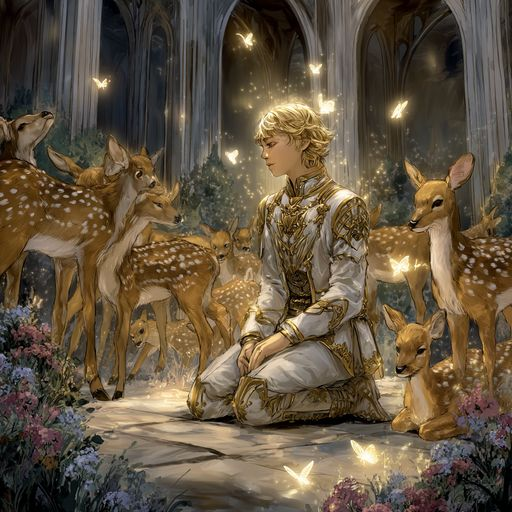
- Let's try to illustrate one of the scenes: "The main character meets the king of this world for the first time, surrounded by an army of fawns"
Now we know more about the possibilities Midjourney offers in the field of digital art development. Although we focus on practical application, remember that your creativity and innovation play a key role in the art creation process. Art is a process of exploration and discovery, so don't be afraid to experiment and explore new possibilities with this tool.